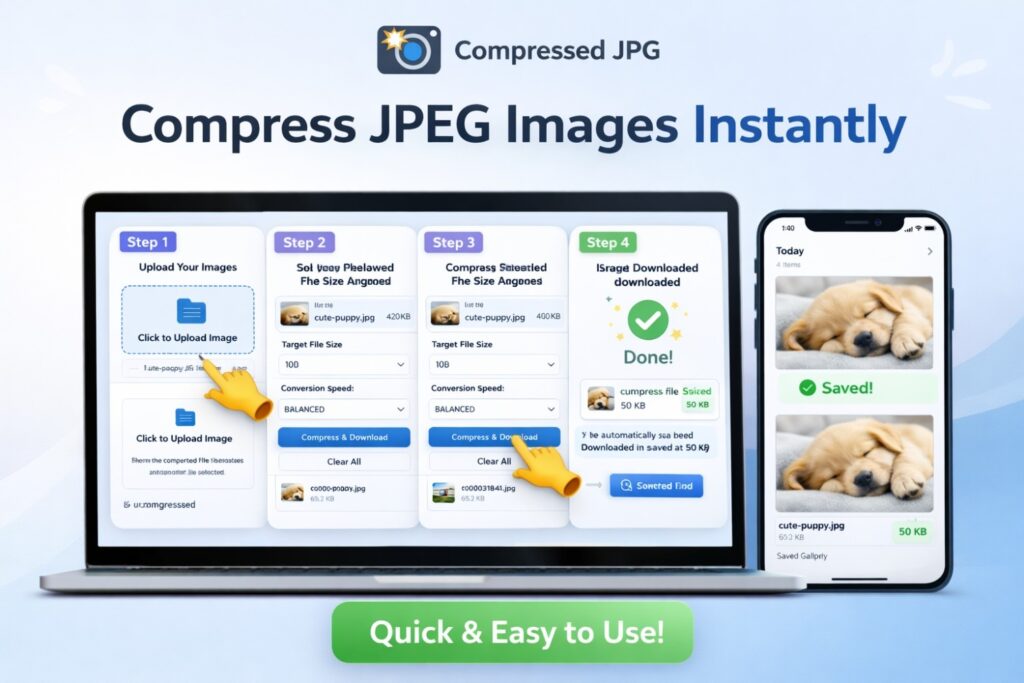
GIF Size Compressor
Convert your GIF to your desired file size
The use of GIF files is constantly increasing in the digital age. People use GIFs to present their messages in an attractive way on social media, websites, blogs, and messaging platforms. However, problems arise when GIF files become too large. Large files slow down website speeds and take longer to upload. This necessitates an effective GIF Compressor tool that can reduce GIF file size without significantly compromising quality.
Our GIF Compressor tool is specifically designed for this purpose. It is an online solution that allows you to compress any large GIF file in just a few seconds. The tool’s greatest feature is that the file automatically downloads once the compression process is complete. Users don’t need to search for a separate download button.
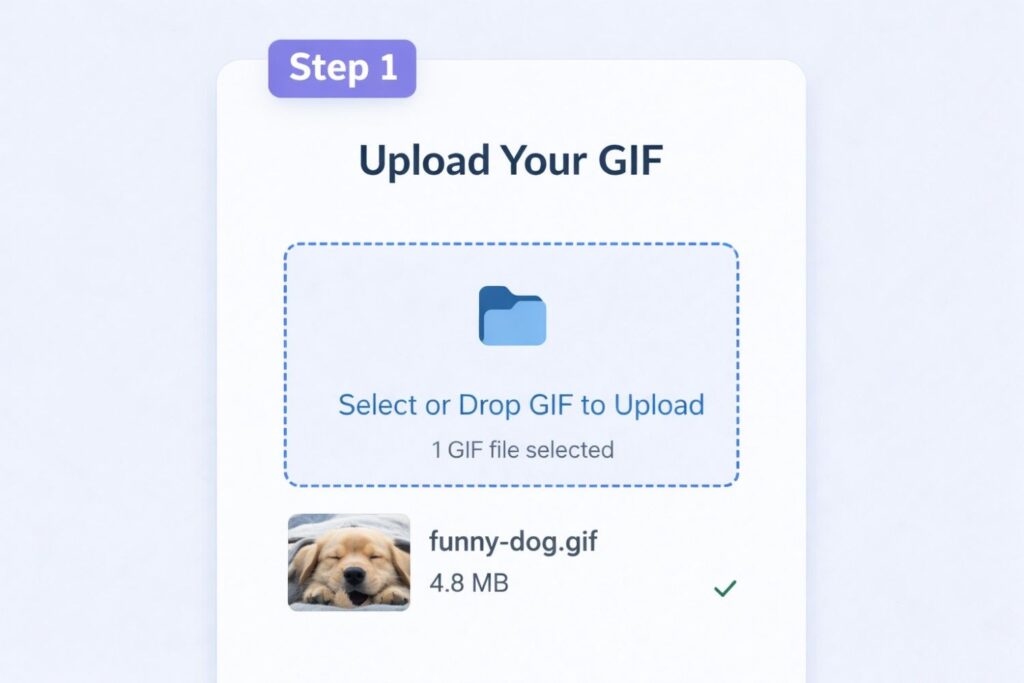
The first step of the process is extremely simple. In Step 1
users need to upload their GIF file. You can select your file by clicking the “Upload GIF” option or using the drag and drop feature. Once the file is selected, the tool prepares it for processing. This step is completely secure and your file is not disclosed in any way.
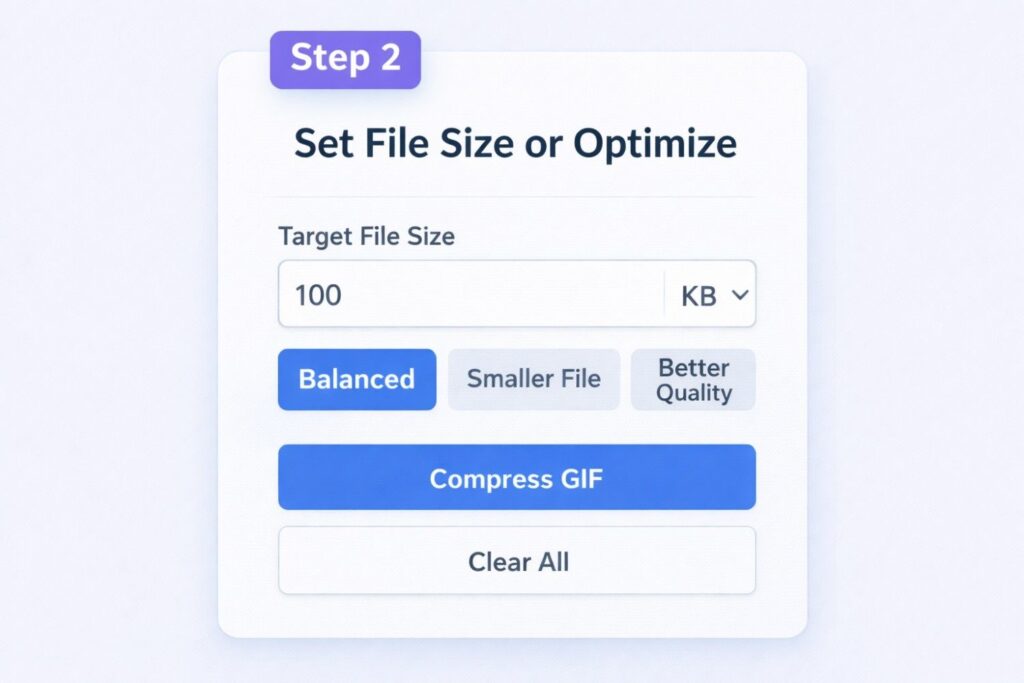
Next comes Step 2
where you set the compression settings. Here, users can specify a target file size. For example, if you want a GIF under 100 KB, you can enter that value. Additionally, you have the option to choose a balance between quality and size. Options like “Balanced,” “Smaller File,” and “Better Quality” provide the results you need. This flexibility is what makes this GIF Compressor special.
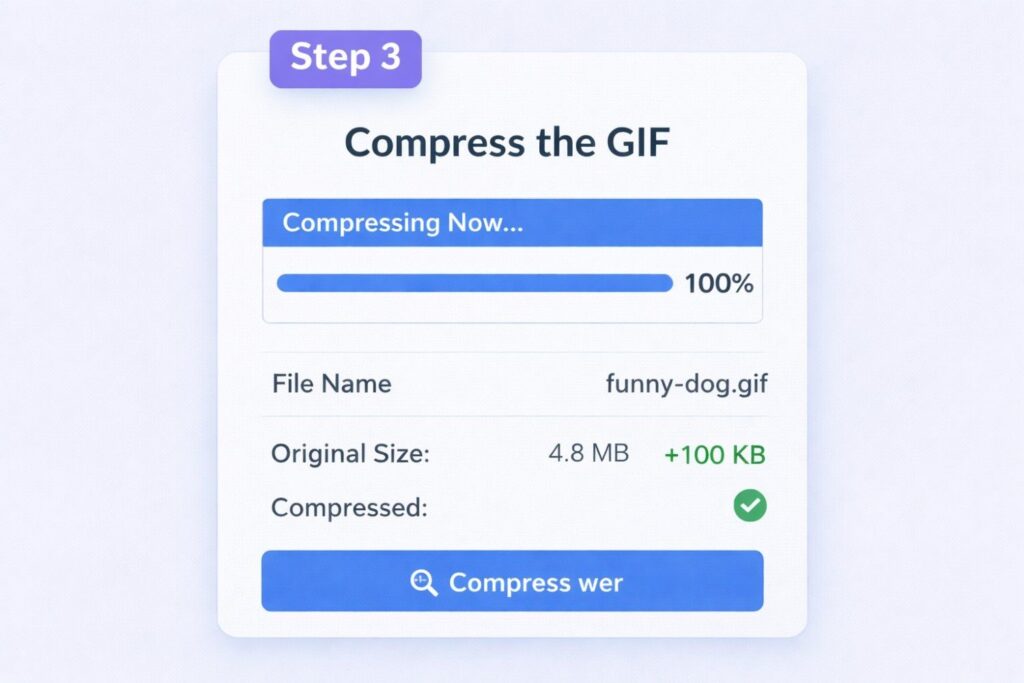
Now comes Step 3
, where the actual compression process begins. As soon as you click “Compress GIF,” the tool begins optimizing the file. A progress bar appears on the screen, keeping you informed of how much of the process has been completed. Once the compression is complete, the GIF file automatically downloads to your browser. This automatic download feature saves users time and makes the experience more seamless.
This GIF Compressor is not only easy to use but also helps improve website performance. Smaller GIF files load faster, which improves page speed and positively impacts search engine optimization (SEO). If you’re a blogger, web developer, or digital marketer, this tool can prove extremely useful.
Related Post :- Compress PDF – Reduce PDF File Size Online 2026 Without Losing Quality
Ultimately, if you want to reduce the size of your GIF files without complex technical knowledge, this GIF Compressor is a reliable and effective option. Features like fast processing, quality preservation, and automatic downloads set it apart from other simple tools. Use this GIF Compressor now and optimize your large GIF files in just a few moments.