Compress JPEG and JPG Images
Target specific KB sizes instantly
Only .jpg and .jpeg files are allowed
In today’s digital age, large images have become a common problem. When we upload photos to a website or submit a JPG file to an online form, we often encounter a “File Size Too Large” error. Furthermore, large images also slow down website speed, negatively impacting SEO. This is why compressing JPEG and JPG has become extremely important for every blogger and website owner.
When you use uncompressed JPEG or JPG images, they take up more storage and increase page load times. Google also prioritizes websites with faster speeds. Therefore, if you want to improve your website’s ranking, you should regularly optimize your images. Compressing JPEG and JPG files keeps the image quality almost the same but significantly reduces its size.
This process begins with uploading the image.
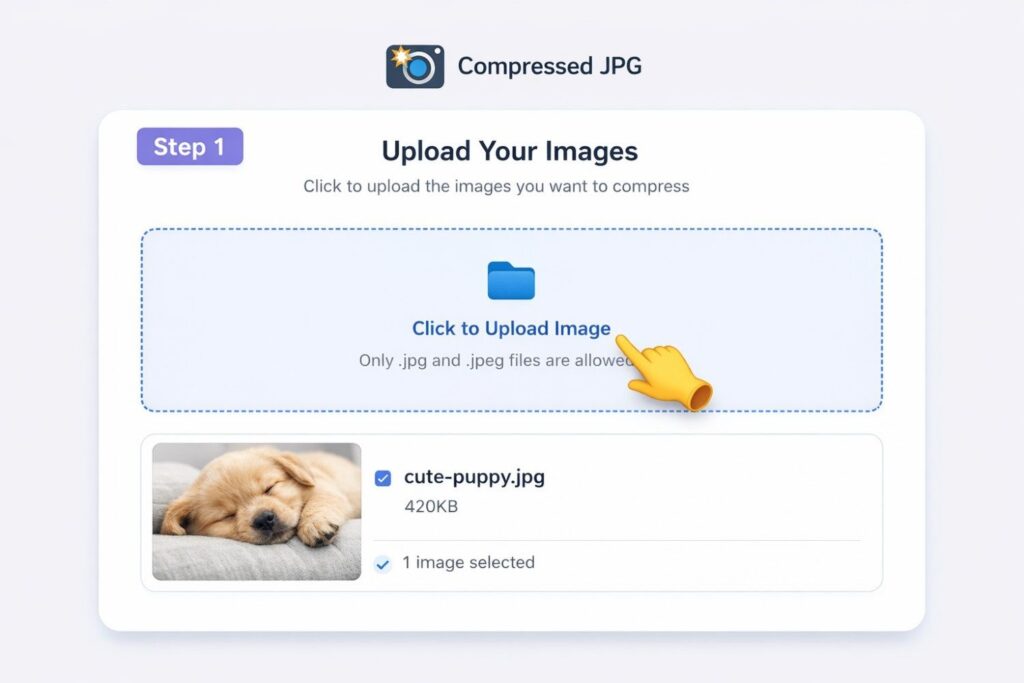
First, you need to upload your JPG or JPEG file. You can select your photo by clicking “Click to Upload Image.” Once you select the file, it is loaded into the system and ready for further processing. This step is very simple and doesn’t require much technical knowledge.
After uploading the image, the next step is to set the target file size.
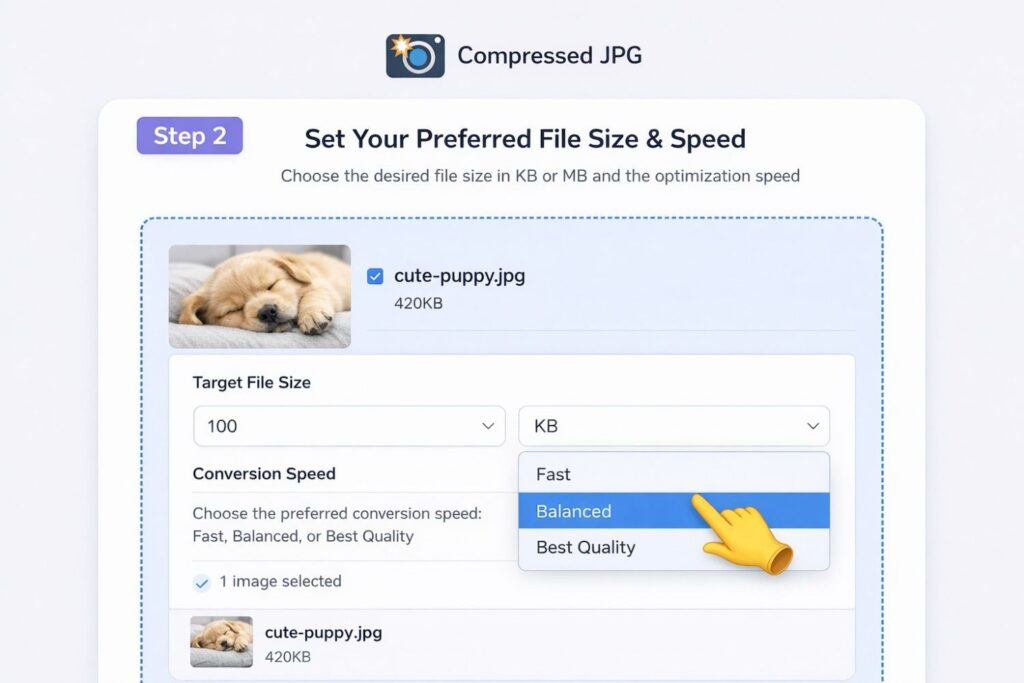
Here, you can decide how many KB you want your image to be. For example, if a form has a 50KB limit, you can choose 50KB. Similarly, 100KB or 200KB can also be set. This feature is especially useful for students and job applicants. In this step, you have complete control and can compress JPEG and JPG files as per your requirement.
Once the size is set, the actual process begins.
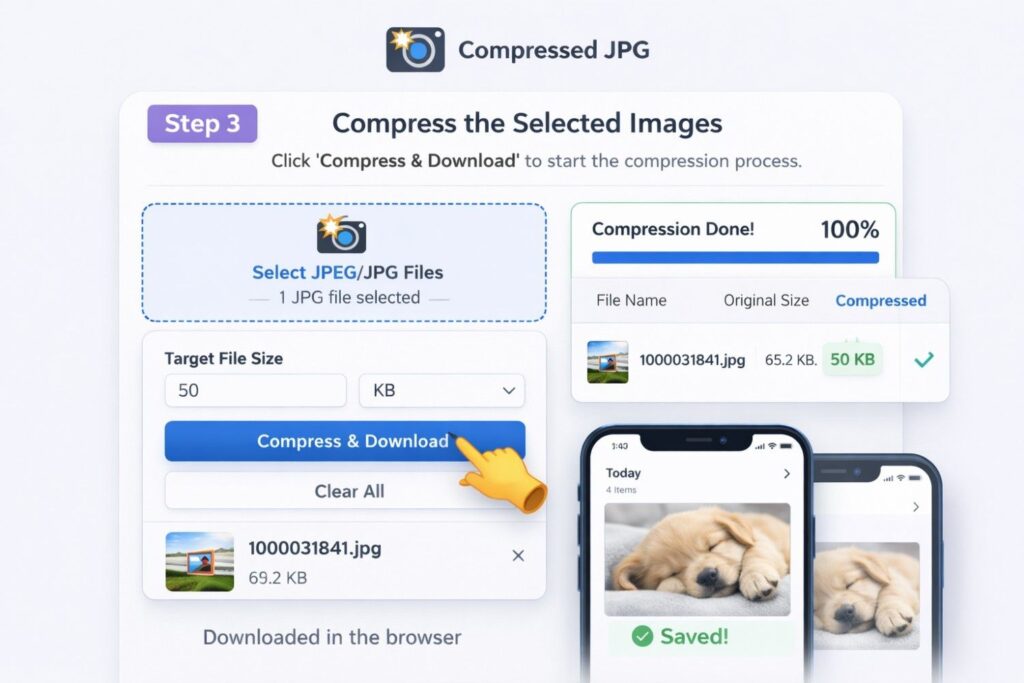
As soon as you press the Compress button, the system begins processing the image. Your image’s size is reduced within seconds. The key is that the quality isn’t significantly compromised. This entire process is automatic, and you don’t need any additional software.
After the process is complete, the final step comes.
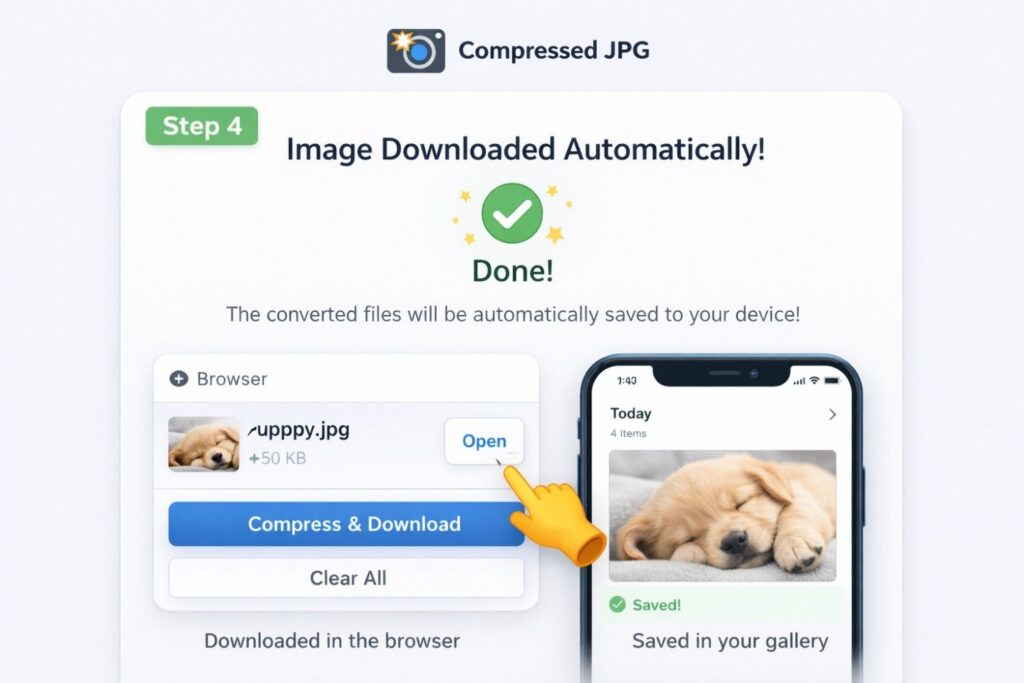
Once the image is compressed, it downloads automatically. You don’t need to press the download button separately. For mobile users, it saves directly to the gallery, while for desktop users, it automatically downloads in the browser. This feature makes this tool even more convenient and user-friendly.
Speaking of the benefits, compressing JPEG and JPG improves your website’s speed, strengthens SEO ranking, and saves storage. Additionally, the problem of size limits when filling out government or private forms is also eliminated.
In conclusion, it can be said that image optimization is no longer an option but a necessity these days. If you want to speed up your website or reduce the size of any JPG file, start regularly compressing JPEG and JPG. This method is easy, fast, and completely useful.
Next tool :- GIF Compressor 2026 Reduce GIF File Size Online Without Losing Quality